✏️ AI Caption Creator
Auto-Generate Captions
for Reels & Shorts
Upload a video — AI transcribes speech and burns stylish captions directly onto the video. Choose split mode, font, position and style.
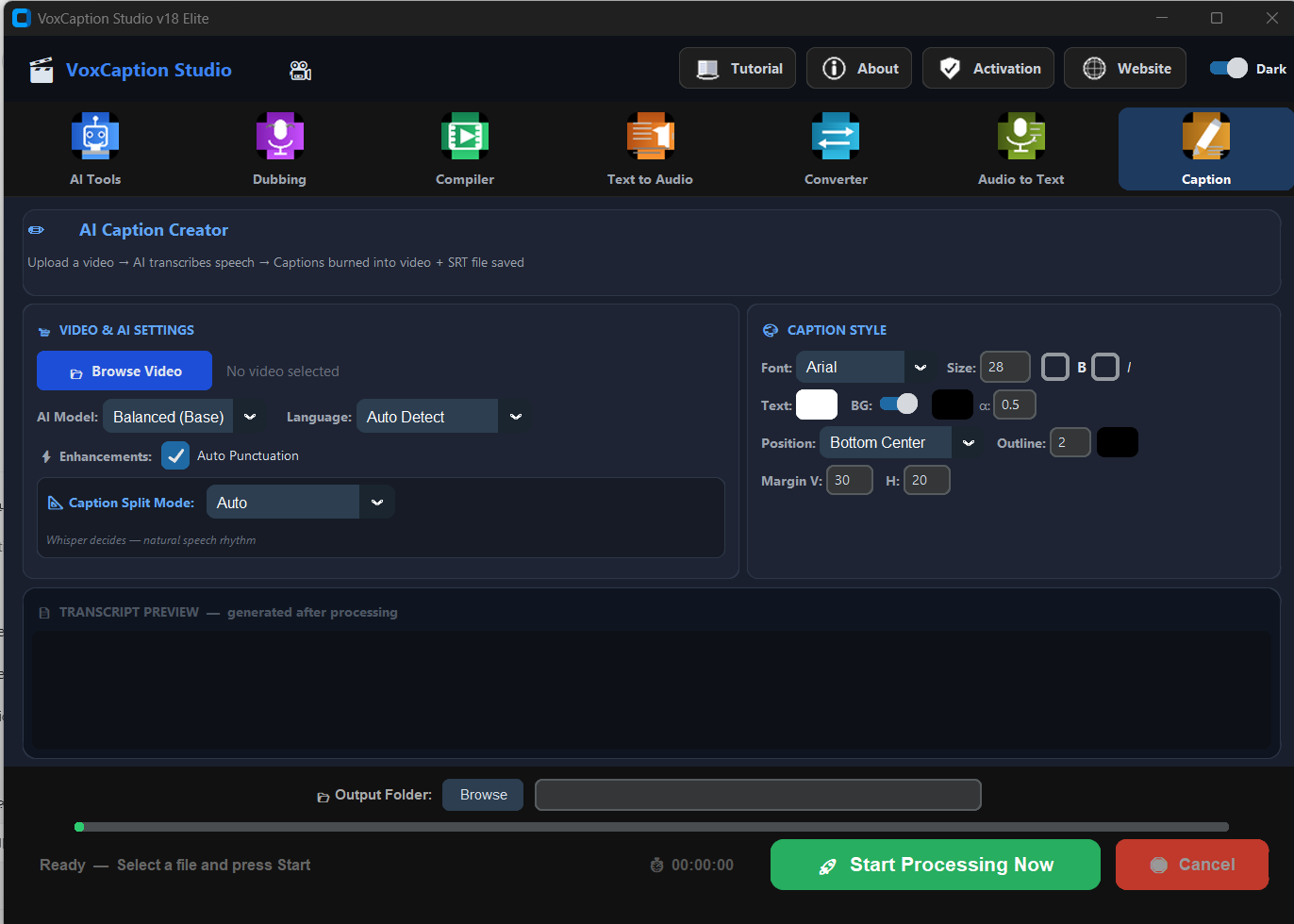
Upload a video — AI transcribes speech and burns stylish captions directly onto the video. Choose split mode, font, position and style.
Choose how captions appear on your video — unique to VoxCaption v18.
The AI splits captions based on natural speech rhythm and pauses. Best for most videos.
Each word appears individually, precisely timed. Popular on TikTok and Reels for high-energy content.
Each caption stays on screen for a fixed time interval. Gives consistent pacing.
Captioned videos get more views, more shares, and more engagement on every platform.
Full control over how your captions look.
Choose font, size, bold and italic for perfect readability on any video format.
Set text color, background color and transparency. Toggle background box on or off.
Place captions anywhere — bottom center, top, or custom. Adjust margins precisely.
No credit card. No cloud. Full access from the moment you install.