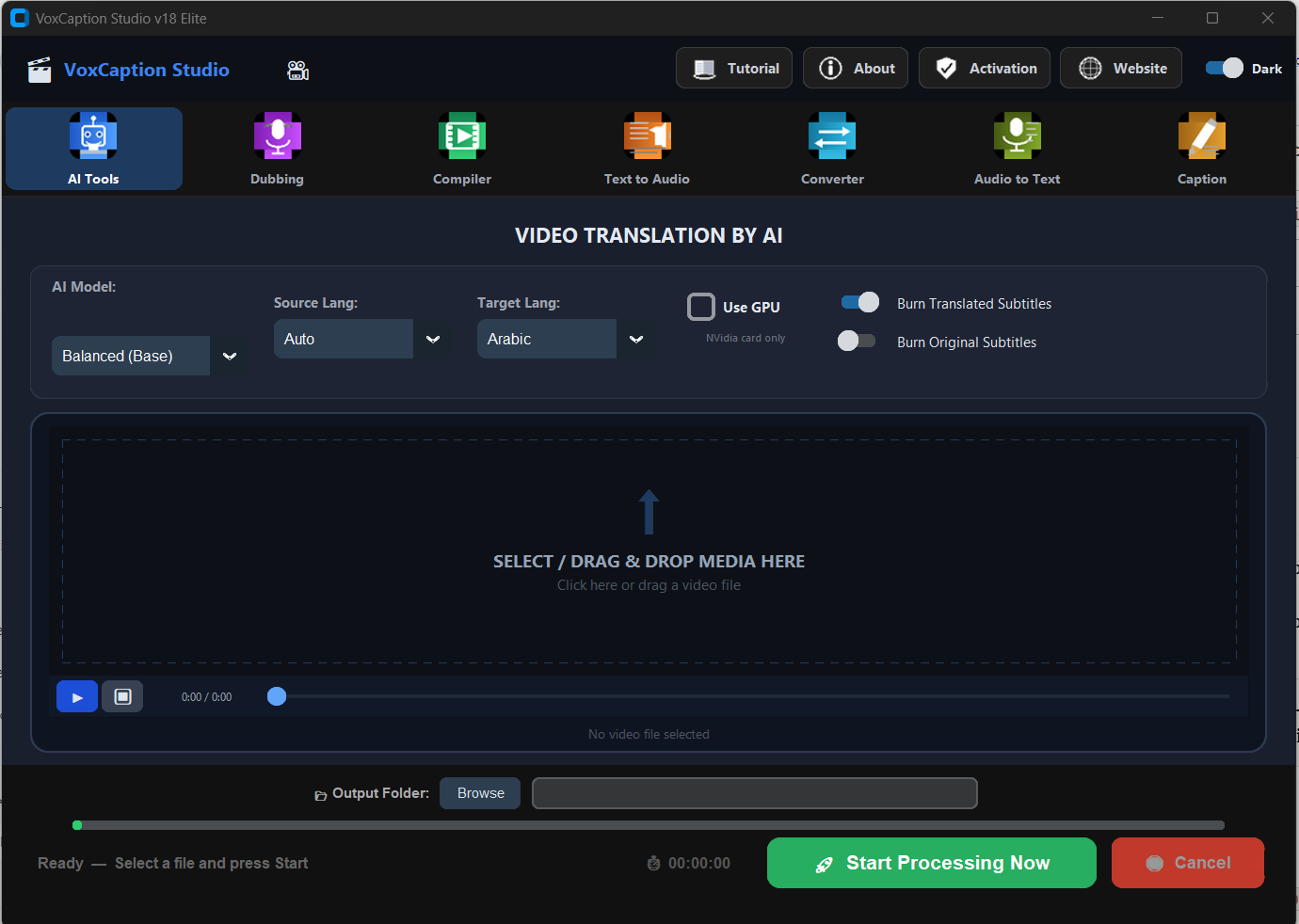
No complex settings. Drop your video, choose the target language, press Start.
🧠
OpenAI Whisper AI
Industry-leading speech recognition. Understands accents, background noise, and fast speech better than any other model.
🌍
80+ Languages
Translate from and to any major language. Arabic, English, German, French, Spanish, Chinese, Japanese and many more.
🔥
Burn Subtitles
Permanently embed translated subtitles directly into the video. No external .srt file needed — works on every device and platform.
📦
Batch Processing
Drop multiple video files at once and translate them all in a single run. Perfect for content creators and agencies.
⚡
GPU Acceleration
Enable NVIDIA CUDA to speed up transcription by 5–10×. A 10-minute video processes in under 2 minutes on a modern GPU.
📄
SRT File Export
Automatically saves a .srt subtitle file alongside your output video. Use it in any video editor or upload to YouTube directly.